

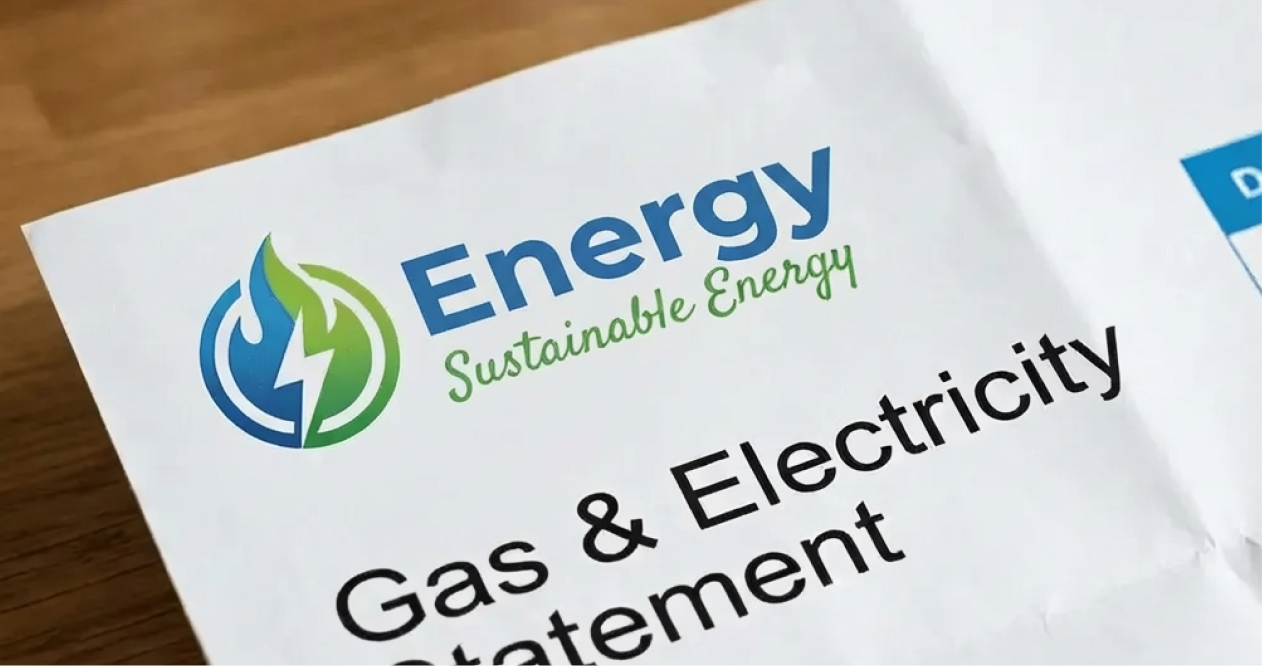

Understanding the role of energy suppliers and distributors
In Australia, your supplier, also called your retailer, sells you energy and sends the bill. Your distributor owns and maintains the local poles and wires for electricity, or the gas mains and service lines for gas. The distributor does not set your retail price, they keep the network operating and read meters.
Retailers handle pricing, plans, billing, payment options, concessions, and credit. Distributors handle outages, faults, streetlights, new connections, and meter access. On a typical bill you will see both retail charges and network charges, the retailer collects both and passes the network share to the distributor.
If you live in an apartment or business park with a private embedded network, the site operator may act as the initial supplier. You can still request details of your meter and options available to you.
Key differences between energy suppliers and distributors
- Who you contact: Call your retailer for billing, plans, payment help and moving house. Call your distributor for faults, emergency supply issues, downed powerlines, gas smell, and meter access.
- What they control: Retailers set plans and discounts. Distributors maintain local assets, schedule planned maintenance, and restore supply after storms.
- What appears on the bill: Your retailer name appears at the top, the distributor name often appears near the network charges line or on the outage information section.
- Choice: You can choose your retailer in most of the National Electricity Market states, your distributor is set by location.
How do I find out who my electricity supplier is?
Use these steps in order. You will usually find the answer in minutes.
- Check your latest electricity bill: Your retailer name and contact number are on the first page near “Tax invoice”, “Retailer”, or “Account details”. If you have direct debit or email billing, search your inbox for “electricity bill”, your address, or common retailer names.
- Look at the meter or meter box. Many meter boxes have a retailer or site label with an account or meter number. Take a clear photo of the meter serial number. Smart meters often show the retailer name on the display or sticker.
- Find your NMI. The National Metering Identifier is a 10 or 11‑character code for electricity. It appears on bills and sometimes on a sticker inside the meter box. The NMI helps confirm your site with the distributor or a retailer.
- Call the electricity distributor for your area. If you cannot find a bill, the distributor can tell you which retailer is responsible for the NMI at your address. Have your address and, if possible, the NMI ready. The distributor name is often printed on the meter box.
- Ask the property manager, landlord or previous owner. Real estate records usually include the last retailer used at the property.
- Check state tools. In most states you can use the Australian Energy Regulator’s to compare offers once you know your NMI and current retailer.
- Embedded networks. If your building runs an embedded network, contact the building or strata manager. They can confirm your current supplier and what options you have.
Example scenarios
- New apartment: No paper bills yet. Check the meter room for a label that matches your unit. Photograph the meter serial number and NMI label, then call the distributor listed on the switchboard to confirm the current retailer.
- New business premises/shop/cafe: No access to bills yet. Ask the agent for the last retailer, confirm the NMI on the meter box, then call that retailer to set up the account in your business name and align the start date with your lease.
.png)
How do I find out who my gas supplier is?
The process is similar to electricity with a few differences.
- Check your latest gas bill for the retailer name and meter number. Search email for “gas bill” and your address.
- Find your meter and meter number. Gas meters sit near the front fence or on the side of the house, and for small businesses they are often in a shared meter room, plant area, or at the front of the shop. Photograph the meter and the serial number.
- Find your MIRN or DPI. The Meter Installation Registration Number or Delivery Point Identifier identifies your gas supply point. You will see it on a bill. It may also be on a meter label.
- Call your gas distributor. With your address and MIRN the distributor can confirm which retailer is responsible for the site. The distributor’s emergency number is usually stamped on the meter or listed on state websites.
- Ask the property manager or strata for the last known retailer if you are stuck.
Note on state differences
Choice of retailer varies by state and network. For electricity, most customers in NSW, VIC, QLD, SA, ACT and TAS can choose a retailer. For gas, choice is available in many areas connected to natural gas networks. In some regional areas supply may be limited or you may use bottled LPG, which is supplied by dedicated LPG providers.
Tips for switching your energy supplier
Switching is straightforward once you know your current details.
- Gather your data: Electricity: NMI, meter number, recent usage in kWh, and your address. Gas: MIRN or DPI, meter number, recent usage in MJ, and your address.
- Compare rates on a like for like basis. Check the daily supply charge, usage rates for each time period, any demand charges, and metering fees. For gas, compare daily supply and usage cents per MJ.
- Check plan terms. Look for any benefit periods, discounts, bill credits, or minimum terms. Many residential plans have no exit fees.
- Set your start date. Pick a start date that avoids double billing. For electricity the change often occurs on your next meter read or within a few business days for smart meters.
- Confirm concessions and solar. If you have a concession card, solar export, or a controlled load circuit for hot water, ensure these are set up on the new plan.
- Keep records. Photograph final reads and keep email confirmations so billing is smooth.
Simple usage examples
- One‑bedroom apartment: 6 to 10 kWh per day, mostly evenings. Focus on efficient lighting and air conditioning settings.
- Family home with reverse‑cycle air conditioning: 15 to 25 kWh per day, higher in summer heat waves and winter cold snaps. Managing setpoints and closing doors can cut peaks.
- Home with a pool pump: Add 3 to 6 kWh per day. Running pumps in off‑peak times can reduce costs on time‑of‑use plans.
- Small office: Weekday usage clusters around lighting, IT and air conditioning. Enable sleep settings on PCs and printers, and keep HVAC setpoints steady.
- Café or quick‑service venue: Refrigeration runs 24/7. Shift dishwashers and ice makers to off‑peak where plans allow, and start ovens and HVAC in stages to avoid peaks.
- Retail shop: Lighting and HVAC do most of the work. Keep doors closed during extreme heat or cold and schedule signage and display lighting.
Practical steps to reduce electricity costs
- Set summer cooling to around 24–25°C and winter heating to around 18–20°C. Every degree away from this range can add around 5 to 10 percent to heating or cooling energy.
- Close curtains and doors during peak heat or cold. Use fans to circulate air before turning the air conditioner colder.
- Replace old halogens with LED lighting and switch off lights in empty rooms.
- Use appliance timers, especially for pool pumps, dryers and dishwashers where your plan rewards off‑peak use.
- Service or clean filters on air conditioning units so they run efficiently.
- If you have a smart meter, review your interval data in your retailer portal to find times of day when usage spikes.
- For small business, stagger high‑load equipment at opening, schedule glasswashers, ice makers and coffee machine cleaning for off‑peak where plans allow, and maintain fridge seals and condenser coils to cut run time.
.png)
How Zembl can help
Short on time? Send us your latest bill and your address, and a Zembl Energy Expert will confirm who your current supplier is, compare competitive plans, and outline clear next steps. If you choose an option, we coordinate the change so you do not have to chase forms or meter reads.
FAQs
Can I have different suppliers for gas and electricity?
Yes. Many households and small businesses choose one retailer for electricity and a different one for gas. Some retailers offer dual‑fuel plans, compare the combined cost against separate plans to see what is cheaper for your usage.
How do I switch energy suppliers?
Start with your latest bill. Confirm your NMI or MIRN, current rates and agreement end date, then compare like for like on usage rates, daily charges, fees and terms. Choose a start date that avoids double billing, confirm concessions or solar, and keep a photo of the final read. Or send your bill to Zembl and we will collect offers, present a clear summary, and coordinate the transfer for you.
What information do I need to provide to switch suppliers?
Your name, contact details, address, identification, NMI for electricity, MIRN or DPI for gas, and any concession details. Having a recent bill helps the retailer match your meter accurately.
How can I compare rates between different suppliers?
Use a recent bill to compare daily charges and usage rates on the same basis. If you have time‑of‑use pricing, make sure you compare all time bands. Check for demand charges and metering fees where relevant. Consider any bill credits or discounts and how long they last. Zembl can also compare rates from different suppliers and find the deal that best suites your needs.
This article provides general information only. Retailer choice and processes vary by state and network. For faults or emergencies call your local distributor using the number on your meter box or bill.
.png)
.png)
.png)
.png)
.svg)

